
Browser MIDI Sequencer
Online MIDI Editor
Use a lightweight browser MIDI sequencer to sketch ideas, edit notes, and prepare MIDI files for the next stage of production.
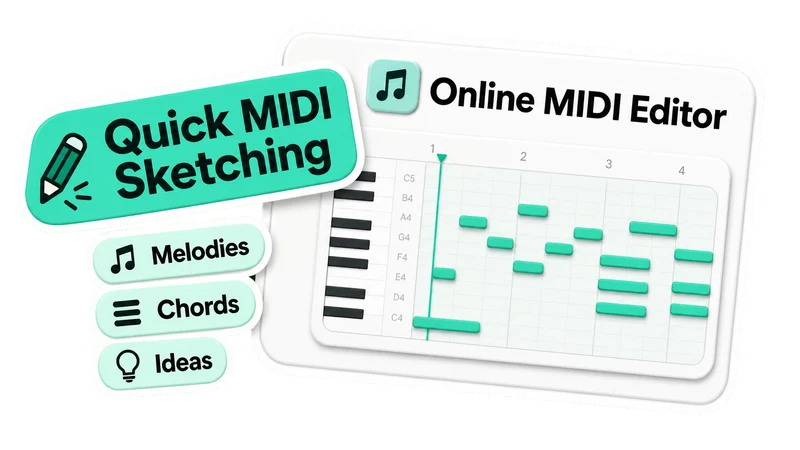
Quick MIDI Sketching
- Start a musical idea directly in the browser
- Build melodies, chords, bass lines, and rhythm parts quickly
- Keep early composition focused on notes and structure
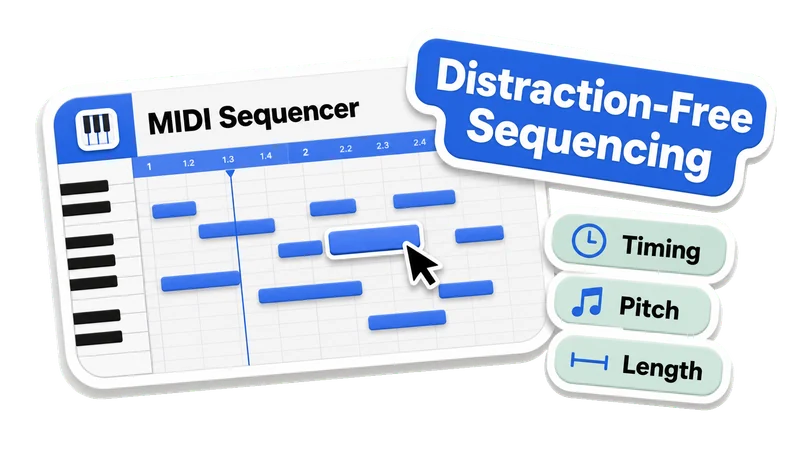
Distraction-Free Sequencing
- Edit notes visually in a familiar piano-roll grid
- Refine timing, pitch, and note length without raw MIDI data
- Use a lightweight interface for fast, responsive composing
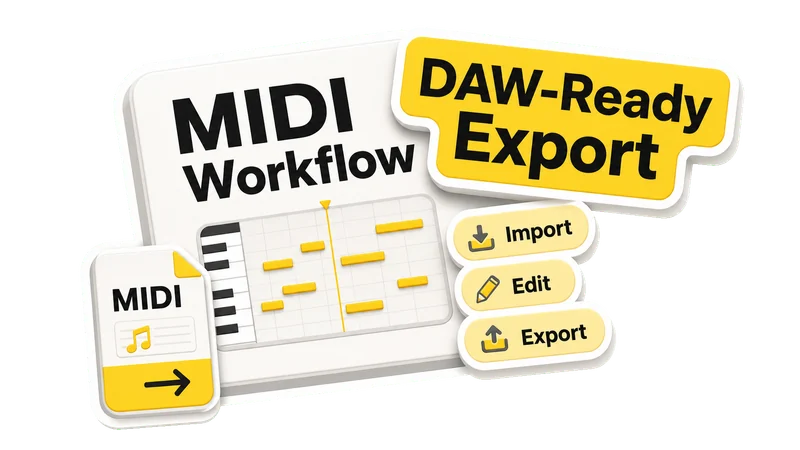
DAW-Ready MIDI Workflow
- Import standard MIDI files for inspection or editing
- Use the editor as a sketchpad before detailed production
- Export MIDI files for your main music production workflow
MIDI Sequencer Features
Simple Tools for MIDI Composition
A focused online MIDI workspace for sketching parts, editing notes, and keeping MIDI compatible with your production tools.
Browser-Based MIDI Sequencer
Compose and arrange MIDI ideas on any modern browser without installing a dedicated desktop sequencer first.
Simple Piano-Roll Editing
Move notes, adjust pitch, resize duration, and refine timing in a visual grid built for quick musical decisions.
MIDI-Compatible Workflow
Import and export standard MIDI files so sketches can continue in your DAW, notation app, or other music tools.
Online MIDI Editor FAQ
Answers about sketching, editing, importing, and exporting MIDI files in a browser-based sequencer.
What is an online MIDI editor?
An online MIDI editor is a browser-based sequencer for creating, modifying, playing, and exporting MIDI files without installing desktop music software.
Can I create MIDI ideas from scratch?
Yes. Start with an empty project, add notes in the piano roll, arrange musical parts, and export the result as a standard MIDI file.
Can I edit existing MIDI files?
Yes. You can import a standard MIDI file, inspect the notes visually, adjust timing or pitch, and export the edited version.
Is this a full DAW replacement?
No. It is best used as a lightweight MIDI sketchpad and editor. For mixing, advanced sound design, effects, and final production, continue in your DAW.
Do I need to install anything?
No. The editor runs in a modern web browser, so you can start sequencing and editing MIDI without downloading extra software.
Can I export MIDI to my DAW?
Yes. Exported MIDI files can be imported into common production tools such as Ableton Live, FL Studio, Logic Pro, Cubase, and other DAWs.
Start Sketching MIDI Online
Open the browser MIDI editor and turn musical ideas into editable MIDI files for your production workflow.