
AI Music Remixer
AI Music Remixer lets you remix any song online. Upload your track or choose from your library, change genre, mood, and arrangement, and generate a fresh version while keeping the original melody.

Electric Heartbeat
V3.5
Night Drive
V3.5
Whispering Woods
V3.5SHOWCASE
Hear How AI Restyles Songs
Explore polished sample tracks and imagine the same transformation for your own music. Use AI to flip genre, shift mood, and reshape arrangement while preserving the identity of the original song.





Why Choose Our AI Music Remixer
Remix Songs Without Starting Over
AI Music Remixer helps you remix any song into fresh styles faster while keeping what matters from the original
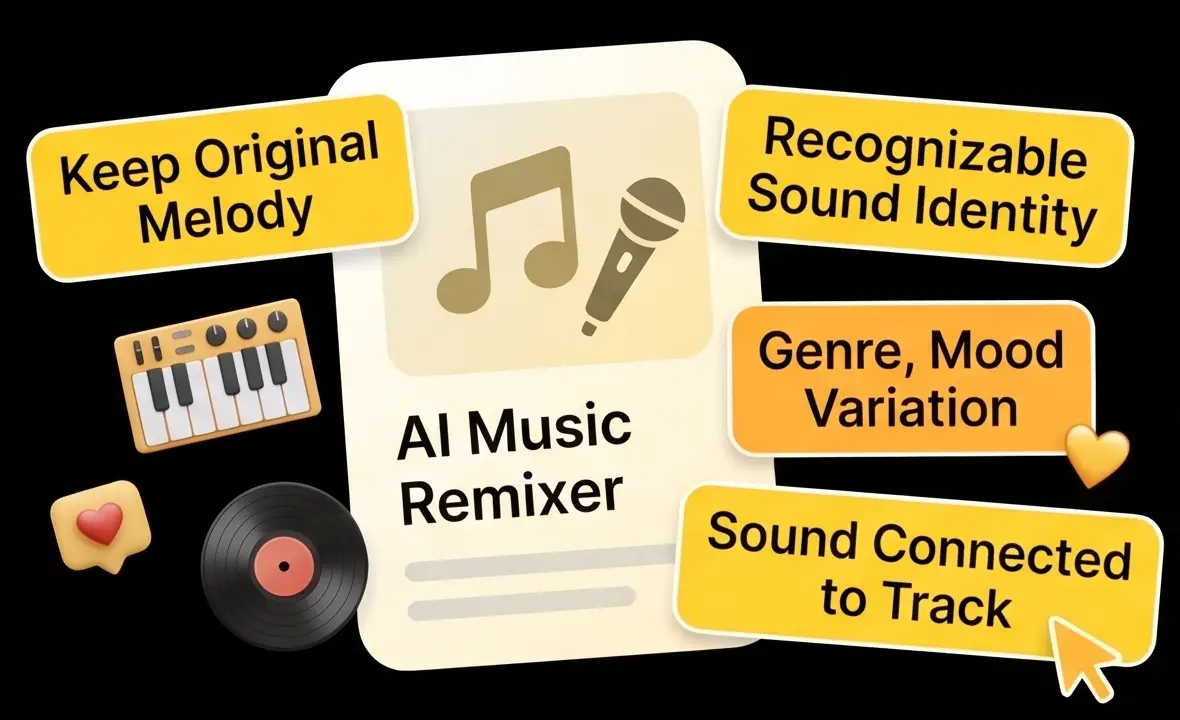
Keep the Original Song Identity
- AI Music Remixer keeps the original melody and recognizable musical identity while changing genre, mood, and arrangement
- Create alternate versions that still sound connected to your track instead of starting over from zero
- Perfect for testing fresh directions without losing the core idea that made the song work
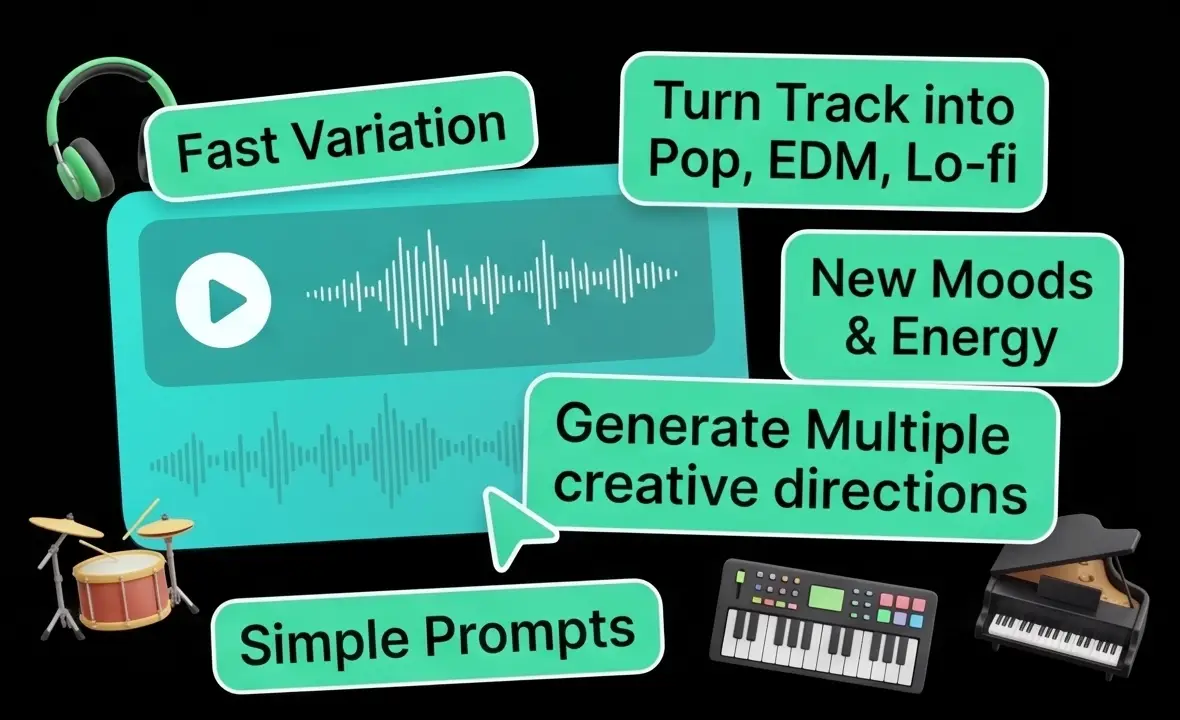
Change Style, Mood, and Arrangement Fast
- Turn one track into pop, EDM, acoustic, cinematic, lo-fi, and more with simple prompts
- Experiment with new moods, energy levels, instrumentation, and production textures in seconds
- Generate multiple creative directions faster than rebuilding every version manually in a DAW
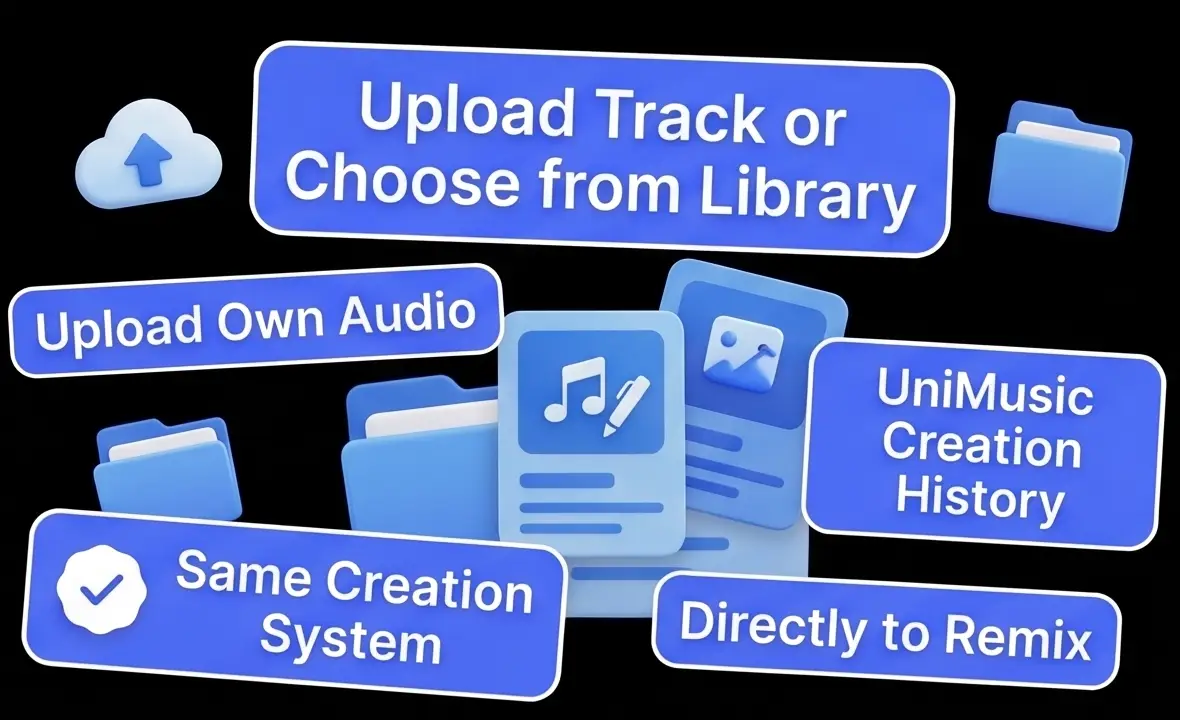
Upload Your Track or Choose from Library
- Start your AI Music Remixer workflow from your own audio upload or select an existing track from your UniMusic creation history
- Move directly from source track to remix without complicated prep, exports, or project setup
- Keep your remix workflow inside the same creation system as your other music assets
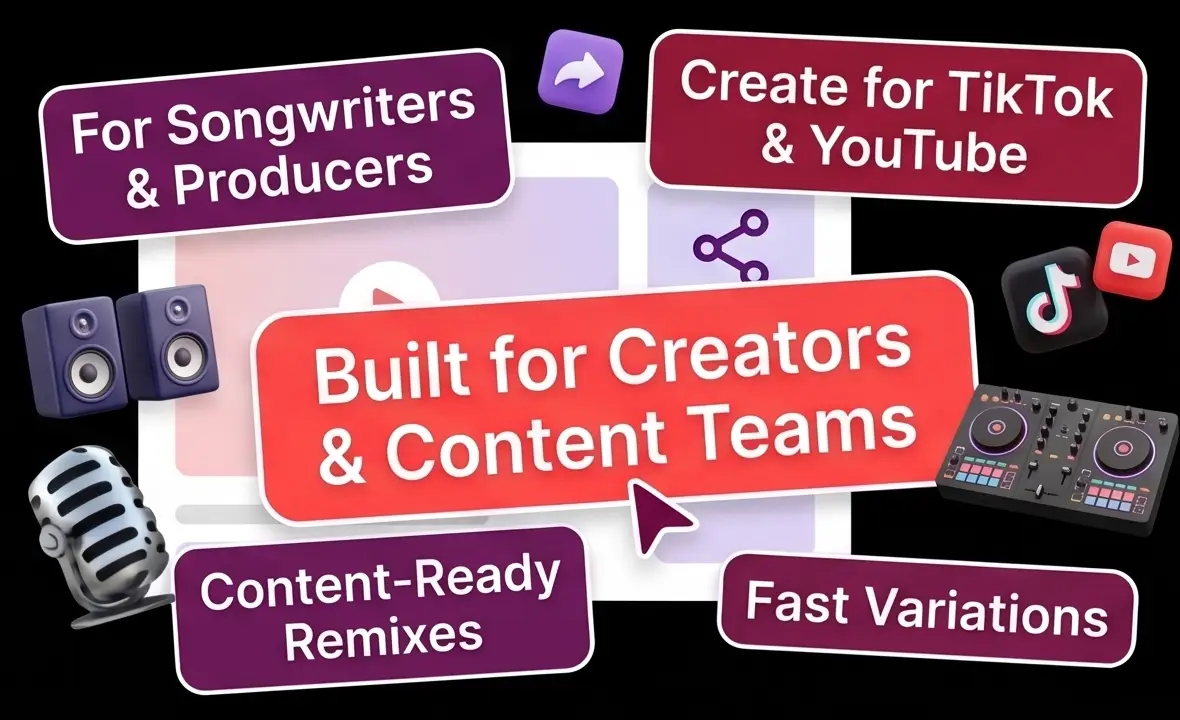
Built for Creators, Producers, and Content Teams
- Useful for songwriters, producers, DJs, remix artists, and content creators who need fast variations
- Create alternate versions for TikTok, YouTube, demos, pitching, live edits, and catalog refreshes
- Generate content-ready remixes in minutes and turn one idea into multiple release assets
How It Works
Remix Any Song in 3 Simple Steps
Use AI Music Remixer to upload a track, describe a new style, and generate a fresh remix in minutes
Total time: About 1-2 minutes from source track to remixed version
Professional Tools
Advanced AI Remixer Features
Professional AI Music Remixer tools for turning one song into multiple creative versions online
Genre and Style Transformation
Transform the same track into new genres, moods, and arrangements while keeping the song recognizable.
Melody-Aware Remixing
Generate remixes that preserve the core melody and identity of the original song instead of replacing it completely.
Prompt-Driven Creative Control
Describe remix goals with natural language, including vibe, instrumentation, energy, and production direction.
Use Uploaded or Existing Tracks
Start from a file you upload or select a track from your UniMusic library to remix without extra preparation in AI Music Remixer.
Fast Iteration Workflow
Create alternate versions quickly for demos, social content, pitching, live edits, and release experiments.
Integrated Creation History
Manage remix outputs alongside your other generated music so it is easy to compare versions, revisit ideas, and reuse assets.
Frequently Asked Questions
Find answers to common questions about AI Music Remixer and online song remixing
What is AI Music Remixer?
AI Music Remixer is an online tool that transforms an existing song into a new version using artificial intelligence. You can upload your own track or choose one from your UniMusic library, describe the style you want, and the AI creates a fresh remix while preserving the song's core melody and identity.
How do I remix a song with AI?
Using our AI music remixer is simple: 1) Upload your song or select one from your library, 2) Describe the remix direction such as genre, mood, instrumentation, or energy, 3) Generate and review your remixed version. The process is built to take you from source track to playable remix in just a few steps.
Can I upload my own song to remix?
Yes. You can upload your own audio file to remix, or choose a track from your UniMusic library. This gives you a fast way to restyle existing songs without rebuilding them from scratch.
Will the remix keep the original melody?
Yes. Our AI music remixer is designed to keep the recognizable core of your track while reimagining style, arrangement, and atmosphere. The goal is to create a new version that still feels connected to the original song rather than replacing it entirely.
What kinds of remix styles can I create?
You can remix songs into many different directions, including pop, EDM, lo-fi, acoustic, cinematic, rock, ambient, and more. You can also describe mood and production choices such as 'more energetic', 'jazz lounge version', or 'dark electronic remix with stronger drums'.
Can I use remixed tracks commercially?
Only with an active Professional subscription, and only if you hold the rights to any audio you upload. Remixes made on the Free and Starter plans are for personal, non-commercial use. With Professional, the AI music remixer works well for content creators, producers, marketing assets, social media, and release workflows.
Need help with AI music remixing?
If you have questions about our AI music remixer or need help with your remix workflow, contact our support team at support@unimusic.ai and we'll help you get the best results.
Ready to Remix Any Song Online?
Upload your track or choose one from your library, change the style with AI Music Remixer, and generate a fresh new version while keeping the original melody. Start remixing in minutes.