
AI Stem Splitter
Separate vocals, drums, bass, guitar and more from any song in seconds. Professional stem splitting for remixing and production.
SHOWCASE
Experience Professional Stem Separation
Effortlessly control 12 individual instrument stems. Solo, mute, and hear each track in isolation - drums, bass, guitar, vocals, and more.
Why Choose Our Stem Splitter
Professional Multi-Track Separation
Split music into individual stems with studio-quality precision
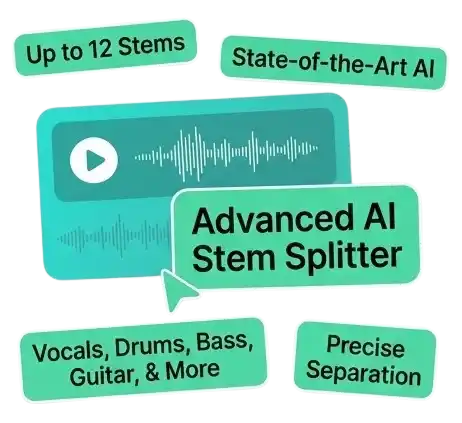
Advanced AI Stem Splitter Technology
- AI stem splitter isolates up to 12 individual instrument stems
- State-of-the-art stem separation trained on professional recordings
- Extract vocals, drums, bass, guitar, keyboard, and more precisely
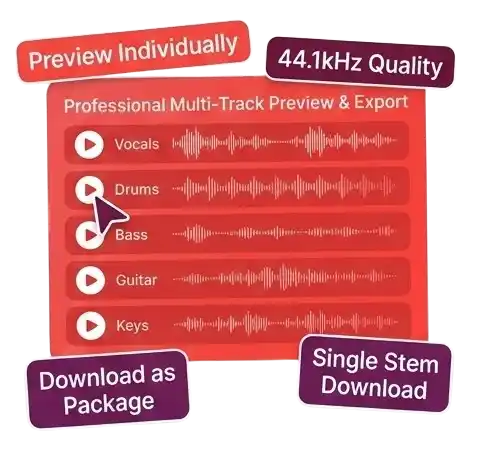
Professional Multi-Track Preview & Export
- Preview all separated stems individually before downloading
- Studio-grade 44.1kHz audio quality for each stem
- Download stems individually or as complete multi-track package
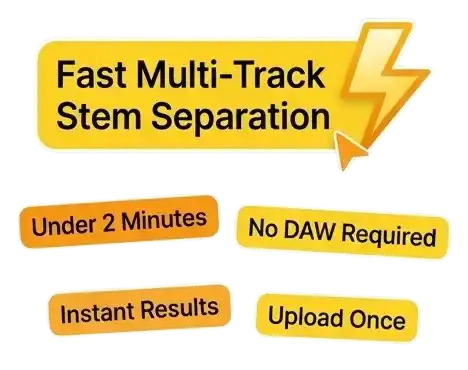
Fast Multi-Track Stem Separation
- AI stem splitter processes all stems in under 2 minutes
- No DAW or audio software required for stem splitting
- Upload once, get all available stems instantly
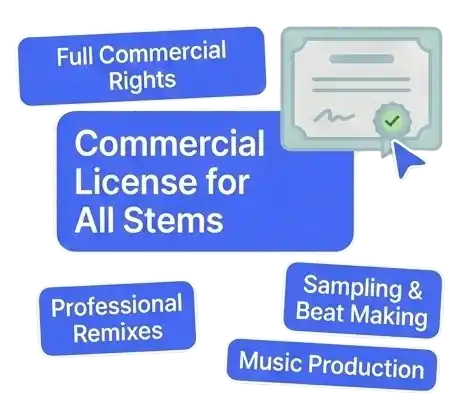
Commercial Use on Professional or Studio
- Commercial rights on the Professional or Studio plan for stems from audio you own or have licensed
- Use stem splitter results in professional remixes and productions
- Perfect for sampling, beat making, and music production projects
How It Works
Split Music into Stems in 3 Simple Steps
Professional AI-powered multi-track separation in under 2 minutes
Total time: Under 2 minutes from upload to separated stems
Professional Tools
Advanced Multi-Track Separation Features
Professional-grade tools for extracting individual instrument and vocal stems
AI Multi-Track Engine
Separate up to 12 individual stems: vocals, backing vocals, drums, bass, guitar, keyboard. Also extracts percussion, strings, brass, synth, FX.
Studio-Quality Stems
44.1kHz professional audio quality. Clean isolation of each instrument with minimal bleed between stems.
Lightning Fast Processing
Complete separation in under 2 minutes. Process multiple tracks efficiently with real-time progress updates.
Professional Use Cases
Remix and mashup creation, music sampling for beat making, instrument isolation for learning, professional music production.
Easy Stem Management
Preview each stem before downloading. Download individually or as bundle. Access your stem library anytime.
DAW-Ready Export
Compatible with all major DAWs. High-quality audio file export with organized stem naming ready for immediate mixing.
Frequently Asked Questions
Find answers to common questions about stem splitting
What is AI Stem Splitter?
AI Stem Splitter is a professional tool that uses artificial intelligence to separate music into individual instrument stems. Our AI stem splitter isolates up to 12 different elements - vocals, drums, bass, guitar, keyboard, and more - giving you complete control for remixing and music production.
Are there any free AI stem splitters?
Yes! Our AI stem splitter offers free credits to try stem separation. Free users can split songs and preview all stems before downloading. For more stem splitting and commercial use, upgrade to Professional or Studio for full AI stem splitter access.
Can I use the separated stems commercially?
Only with an active Professional or Studio subscription, and only if you own or have licensed the original recording. UniMusic AI cannot grant rights to someone else's song. If you hold those rights, Professional and Studio subscribers can use separated stems in remixes, productions, samples, and other commercial projects at no extra cost from UniMusic AI.
How does AI stem splitter work?
Our AI stem splitter uses advanced neural networks trained specifically for multi-track separation. The stem splitter analyzes complex audio arrangements and isolates each instrument into individual high-quality stems with minimal bleed between tracks.
How many stems can the AI stem splitter extract?
Our AI stem splitter can extract up to 12 different stems from your music: vocals, backing vocals, drums, bass, guitar, keyboard, percussion, strings, synth, FX, brass, and woodwinds. The number of stems depends on instruments present in your track.
What's the difference between vocal remover and stem splitter?
Vocal remover splits your track into 2 stems (vocals and instrumental). AI stem splitter separates into up to 12 individual instrument stems, giving you complete control for advanced remixing and professional music production work.
How long does stem splitting take?
Our AI stem splitter processes complete multi-track separation in under 2 minutes. Upload your song and the stem splitter will isolate all available stems quickly. Preview each stem before downloading.
Need help with stem splitter?
If you have questions about our AI stem splitter or need assistance with stem separation, contact our support team at support@unimusic.ai for help.
Ready to Split Your Music into Professional Stems?
Join professional producers, DJs, and remix artists using our AI stem splitter to create multi-track separations for advanced music production. Get studio-quality stems in minutes.