
Online AI Audio to MIDI Converter
Convert vocals, piano, guitar, and other instrument recordings into editable MIDI files online for music production.
Best Audio to MIDI Converter
Turn Audio Into Editable MIDI
Use AI-powered music transcription to extract notes from recordings, study musical ideas, and continue editing in your favorite DAW
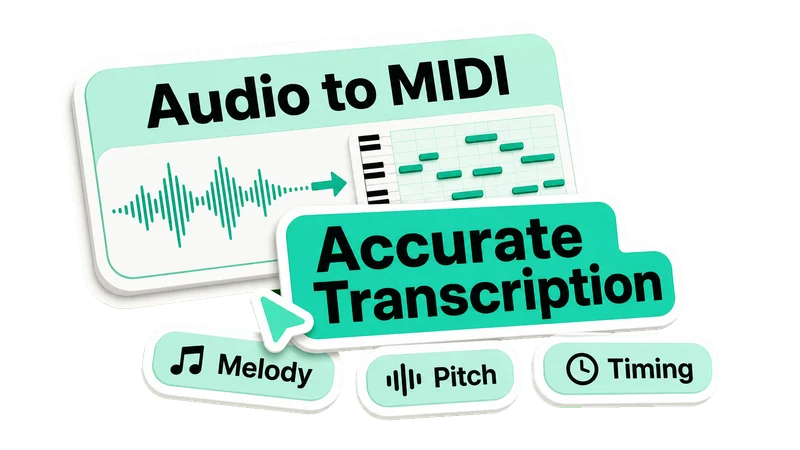
Accurate Audio to MIDI Transcription
- Convert melody, vocal, piano, guitar, and instrument recordings into MIDI notes
- Capture pitch and timing so musical ideas become editable data
- Save hours of manual transcription when sketching, studying, or producing
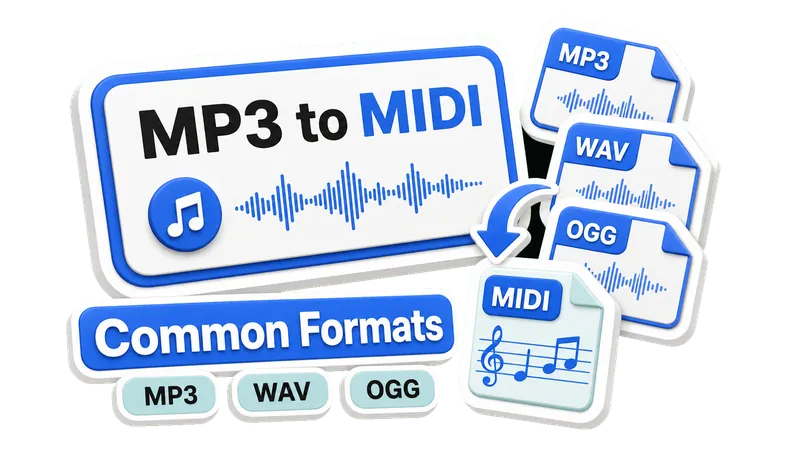
MP3 to MIDI, WAV to MIDI, and More
- Upload common audio formats including MP3, WAV, M4A, FLAC, and OGG
- Convert short recordings, exported loops, riffs, and voice memos online
- Start from an audio file and end with a standard MIDI file ready to edit
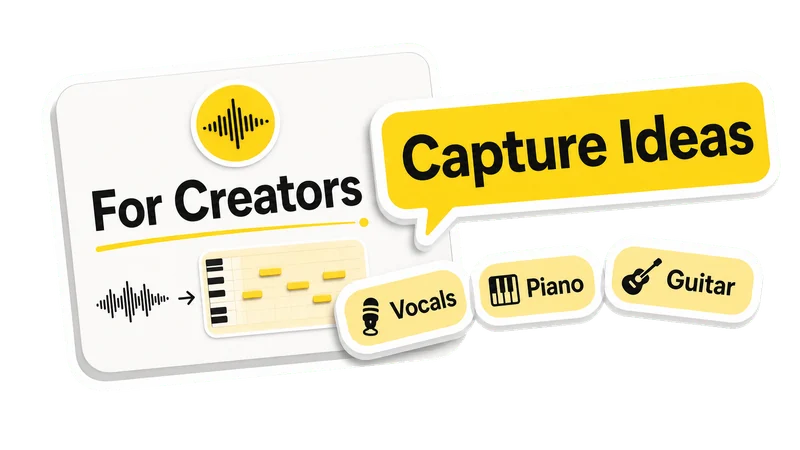
Made for Producers, Musicians, and Songwriters
- Repurpose melodies, hooks, riffs, and chord ideas from existing audio
- Turn a sung idea or instrument phrase into MIDI for faster composition
- Use the result for learning, arranging, remixing, or building a new track
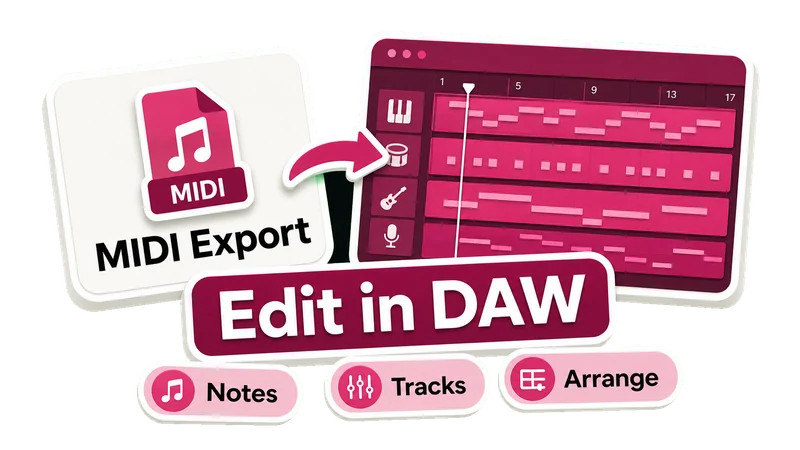
Download MIDI and Edit in Your DAW
- Download a MIDI file you can import into popular music production software
- Change notes, adjust timing, swap instruments, or continue arranging
- Move quickly from audio inspiration to editable music production material
How It Works
Convert Audio to MIDI in 3 Simple Steps
Upload your audio, let AI transcribe the notes, then download an editable MIDI file
Estimated time: Usually about 1 minute for short clips
Audio to MIDI Features
A Simple Online MIDI Converter for Music Creators
Transcribe audio into MIDI notes, capture musical ideas, and keep your workflow moving from browser to DAW
Free Online Converter
Convert MP3, WAV, M4A, FLAC, and OGG into downloadable MIDI files online for free, with no credits required for this tool.
Audio to MIDI Transcription
Turn vocal melodies, piano parts, guitar riffs, and clear instrument recordings into editable MIDI notes.
Editable MIDI Output
Import the generated MIDI into your DAW to adjust notes, timing, tempo, instruments, and arrangement ideas.
Frequently Asked Questions
Find answers about converting audio files, vocals, piano, guitar, and MP3 recordings into MIDI online
What is an audio to MIDI converter?
An audio to MIDI converter analyzes an audio file and turns detected musical notes, pitch, and timing into MIDI data. You can then edit that MIDI in a DAW, change instruments, or build a new arrangement from the original recording.
What audio formats can I upload?
UniMusic AI supports common browser audio formats for this tool, including MP3, WAV, M4A, FLAC, and OGG. Short, clear recordings usually produce the most useful MIDI files.
Can I convert vocals, piano, or guitar to MIDI?
Yes. The converter is useful for vocal melodies, piano phrases, guitar riffs, and other clear instrument recordings. Simple melodies and isolated parts are easier to transcribe than dense full mixes.
Can I convert MP3 to MIDI online?
Yes. Upload an MP3 file, run the AI audio-to-MIDI conversion in your browser, and download the resulting MIDI file for editing or music production.
How accurate is audio to MIDI conversion?
Accuracy depends on the source audio. Clear melodies, solo instruments, vocals, piano, and guitar phrases usually work best. Complex mixes, heavy effects, or overlapping instruments can produce MIDI that needs editing.
Is my audio uploaded to a server?
This converter runs the transcription model in your browser for the current conversion. Your selected audio is used locally by the tool instead of being uploaded as a separate conversion file.
Is this audio to MIDI converter free?
Yes. This browser-based audio to MIDI converter is free to use, with no credits required for the current conversion tool.
Start Your Audio to MIDI Conversion
Upload an audio file for free and turn melodies, voice, piano, guitar, or instrument recordings into an editable MIDI file online.