AI Music
My Creations
Pricing
LogoUniMusic AI
  • AI Music Generator
  • AI Lyrics Generator
  • Pricing
  • Blog
  • My Creations
LogoUniMusic AI
Seed Audio 1.0: An AI Generator for Complete Sound Scenes
2026/08/26

Seed Audio 1.0: An AI Generator for Complete Sound Scenes

Seed Audio 1.0 generates dialogue, ambience, music, and sound effects in one pass. Here is what it is for, how it differs from TTS, and how to try it.

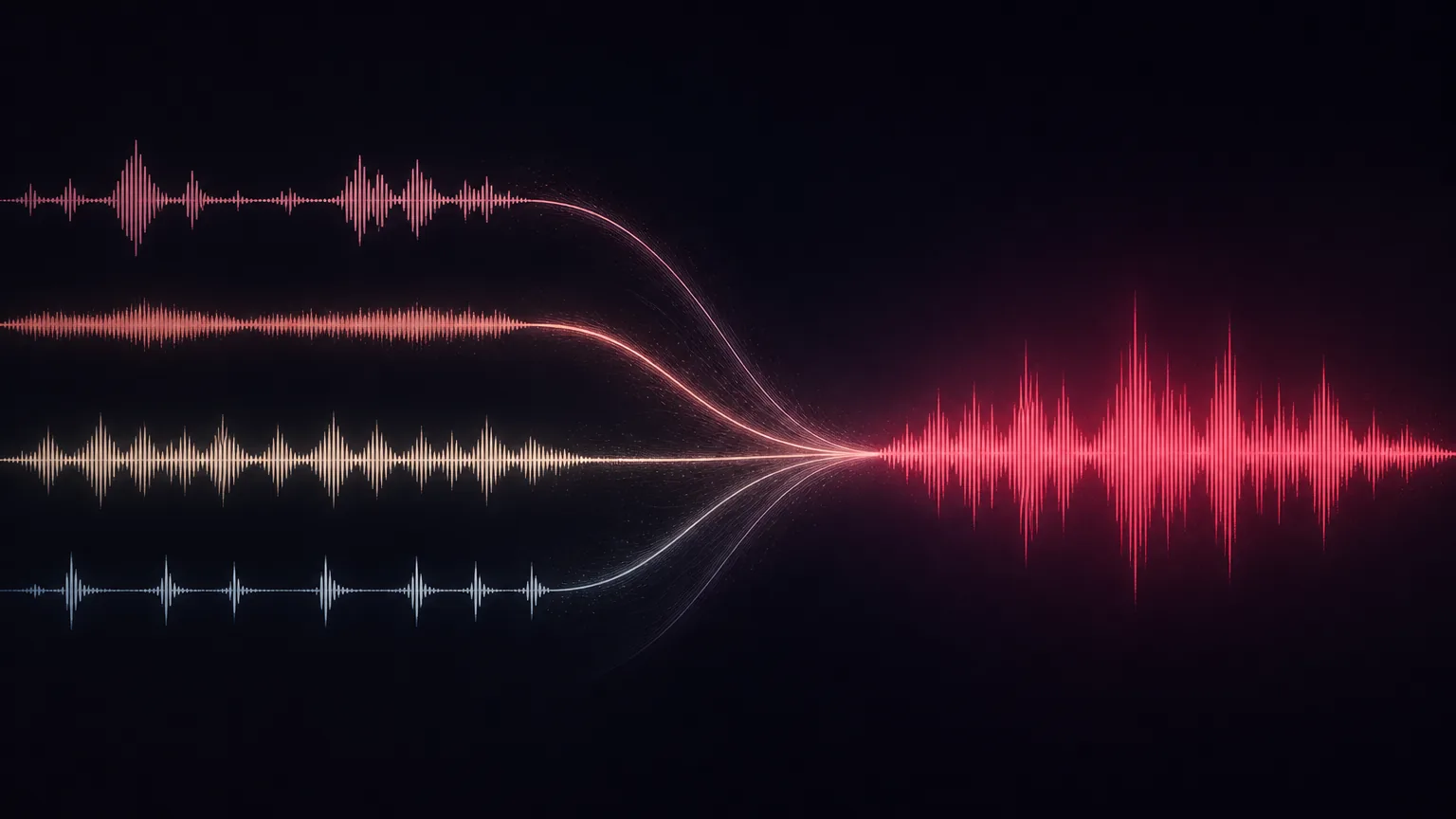
Seed Audio 1.0 is an AI audio generator built for sound scenes, not isolated voice clips. You describe a place, the people in it, and what happens, then it produces a mixed clip that can include multi-speaker dialogue, emotion, ambience, background music, and foley-style effects.

That is a different job from ordinary text-to-speech. TTS reads a script. Seed Audio tries to stage the moment around the script.

What it generates

A typical scene prompt can ask for several layers at once:

  • Two or more speakers, with tone, pacing, and accent
  • Room tone, weather, traffic, crowds, or other ambience
  • A music bed that matches the emotion
  • Timed events such as footsteps, a door slam, or a whoosh

Each generation is a fully mixed, non-streaming clip, up to about two minutes. You can steer it with text, optional reference audio (up to three clips), or one reference image when the mood needs a visual cue.

The site’s own prompt formula is straightforward: scene + speaker + emotion + language + ambience + BGM + sound effects + timing.
LogoUniMusic AI

Create music with AI, share it beautifully

support@unimusic.ai
TwitterX (Twitter)YouTubeYouTubeEmail
© 2026 UniMusic AI All Rights Reserved.
Product
  • AI Lyrics Generator
  • Online MIDI Editor
  • AI Audio to MIDI
  • AI Music Analyzer
  • Key & BPM Finder
  • AI Music Remixer
  • AI Vocal Remover
  • AI Stem Splitter
Company
  • Pricing
  • Blog
  • Changelog
  • Contact
  • Partners
Legal
  • Cookie Policy
  • Privacy Policy
  • Terms of Service
  • Refund Policy

Two speakers whisper in a rainy alley, tense strings underneath, distant traffic, footsteps, and a final metallic door slam.

If that sentence is what you want to hear, you are in the right tool.

How it differs from traditional TTS

Traditional TTS is the simpler choice when you only need predictable speech: an audiobook read, a nav prompt, a support bot. It usually returns one voice track. Music, ambience, and effects still have to be found and aligned later.

Seed Audio 1.0 is aimed at the opposite case:

Seed Audio 1.0Traditional TTS
Core jobScene-level audioText-to-speech
OutputDialogue + BGM + SFX + ambience in one passA single speech track
Multiple speakersCoordinated in one generationSeparate calls, then manual alignment
Emotion and accentDescribed in natural languageSSML tags or a limited voice set
TimelineDialogue and events can be placed in timeGenerally not available

Use TTS when the words are the whole product. Use Seed Audio when the surrounding space is part of the product.

How to try it

The live workspace is on SeedAudio.co. The loop is short:

  1. Write a sound-scene prompt. Name the characters, language, emotion, location, dialogue, and two or three sound events.
  2. Add a voice or style reference if you need continuity, or an image if the picture should set the mood.
  3. Choose output settings, then generate a short draft first.
  4. Listen for voice clarity and layer balance before you copy or download.

A first pass that is too long usually hides the problem. Eight to twenty seconds is enough to hear whether the alley, the whisper, and the door slam are actually in the file.

Where it fits

Seed Audio is most useful when a project needs more than narration:

  • Short-film or animatic sound: dialogue, foley, and a music cue in one sketch
  • Ads and social clips that need a voice, a sting, and a whoosh on the same timeline
  • Game or XR prototypes: ambient beds, character lines, and a cinematic beat
  • Lessons and explainers that work as conversations, not as a soundtrack under slides
  • Podcast cold opens that have to feel like a place, not a dry read

It will not replace a finished mix in a DAW when you need frame-accurate picture lock. It is a way to get a coherent scene draft without collecting four libraries and lining them up by hand.

Start with one scene

Write the 15–30 seconds of action out loud. If the sentence contains people talking and things happening in a room, open Seed Audio 1.0 and generate that sentence. Keep the first prompt specific, listen once, then change only the layer that is wrong.

All Posts
What it generatesHow it differs from traditional TTSHow to try itWhere it fitsStart with one scene